
Why Purchase Order Approvals Take a Week When the Work Takes an Hour
A $340 tooling PO shouldn't take six days to clear. Here's where manufacturing purchasing approvals actually stall, and how to tell a process fix from a system fix.
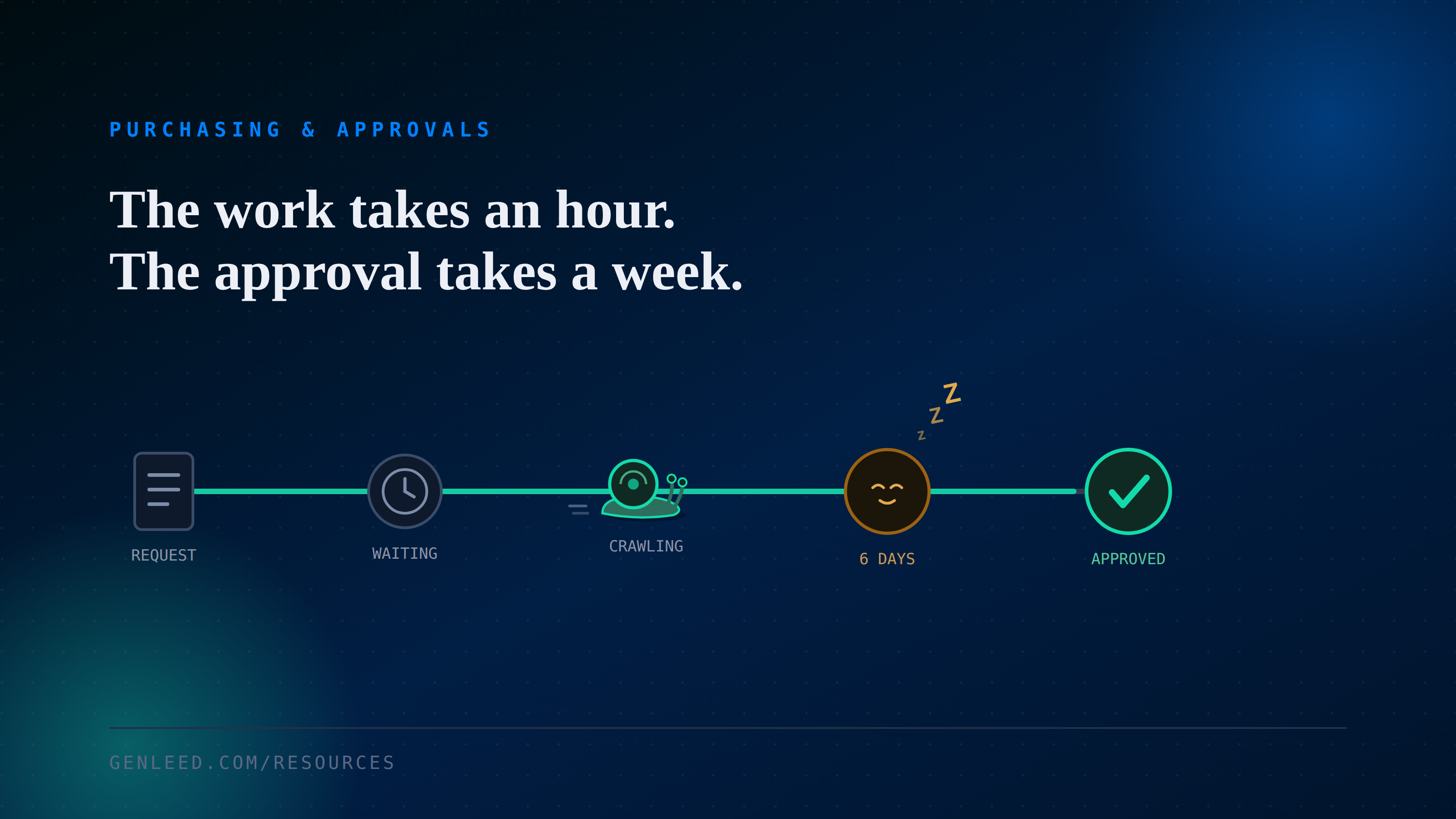
A tooling PO for $340 sits in an inbox for six days while a machine on the floor waits for the fixture it needs. Nobody is dragging their feet on purpose. The requisition took ten minutes to write. The approval logic behind it, who signs off, in what order, under what dollar threshold, is where the week actually goes.
Where the week actually goes
Ask a purchasing manager why approvals are slow and the usual answer is "people are busy." That's probably true, but it's rarely the real bottleneck. In most plants we've looked at, the slowdown comes from the same handful of structural gaps:
- The approver who needs to sign off is on the floor, in a meeting, or at another site, not sitting at a desk watching an inbox, and no backup was ever assigned for when they're out.
- Dollar thresholds route small, routine requests through the same multi-step chain as capital purchases, because nobody has revisited the rules since the ERP went in.
- There's no visibility into where a request currently sits, so the buyer's only option is to ask around.
- The requisition lives in one system while approval happens over email or a paper routing slip, so a decision doesn't update the record anyone else can see.
What that actually costs you
None of this shows up on a P&L line called "approval delay." It shows up as expedited freight, a line running at reduced rate while a part is delayed, and suppliers quietly padding their own lead times once they notice your POs arrive late. Purchasing often takes the blame for what's really a workflow design problem.
Diagnose before you automate
It's tempting to jump straight to workflow software. Before spending on anything, it's worth mapping the actual chain for a handful of recent requisitions and timing it honestly.
- Pull 10 to 15 recent POs across a range of dollar amounts and count the actual calendar days between submission and final approval, not the target SLA.
- For each one, note which single step consumed the most time: a specific approver, a threshold escalation, or simply nobody noticing it.
- Check whether your approval thresholds still match reality, or whether routine, low-risk purchases get routed through rules built for capital spend.
- Confirm every approval role has a documented backup, and that the backup actually gets used when the primary is out.
Where automation helps, and where it doesn't
When it's just a process fix
If the diagnosis turns up thresholds that no longer match reality, or a backup rule that was never written down, new technology probably isn't the fix yet. Rewriting the approval matrix and communicating it is usually a week of work, not a project, and it's worth doing first. Automating a broken rule just makes it run faster.
When workflow automation is worth it
If the real issue is visibility, requests sitting invisibly in an inbox with nobody sure whose desk it's on, that's a fair case for rule-based workflow automation: route by threshold, notify the right approver on a channel they actually check, escalate after a set number of hours. This isn't really an AI problem, it's a routing and notification problem, and treating it as one keeps the fix cheap and easy for your team to trust.
The takeaway
A slow PO approval process is rarely about how hard people are working. More often it's a handful of rules nobody has revisited, visibility nobody built, and backup coverage nobody assigned. Worth fixing those first. Only once the process itself is sound does it make sense to ask whether automation should carry it.