
The real cost of re-keying the same PO into three systems
Retyping the same purchase order into an ERP, a supplier portal, and a spreadsheet isn't a discipline problem. It's usually a reconciliation gap with an ownership problem underneath it.
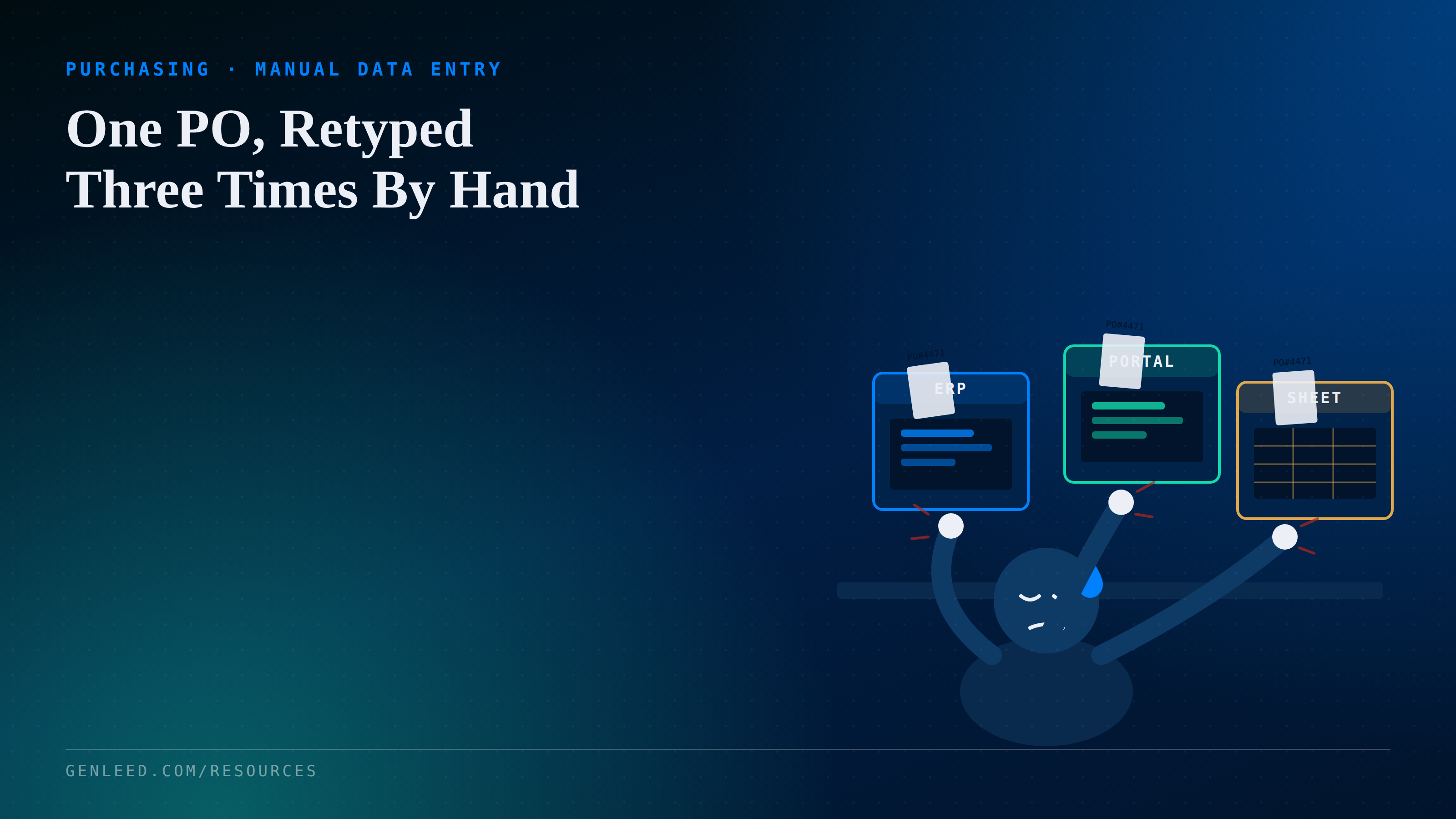
A purchasing coordinator at a Tier 1 automotive supplier opens a new PO in the ERP, retypes the same line items into the OEM's supplier portal so the shipment gets acknowledged, then copies a third version into a spreadsheet because that's the only place anyone can see all open orders at a glance. Call it fifteen minutes per PO. At forty POs a week, that's ten hours of retyping before anyone catches a transposed part number or a quantity that didn't carry over.
Why it happens
- The ERP and the OEM supplier portal were never built to talk to each other, so someone has to be the integration layer by hand.
- The tracking spreadsheet started as a stopgap during a system migration or portal rollout and just never got retired.
- Each system uses a slightly different field format, part number padding, unit of measure, date format, so even copy paste needs manual cleanup.
- No one person owns the reconciliation step, so the spreadsheet gets updated inconsistently depending on who is busy that week.
What it costs
The visible cost is the retyping time itself, but the bigger cost shows up downstream. A quantity that is right in the ERP and wrong in the portal is usually invisible until a shipment gets flagged or an invoice does not match. Chasing down which system has the correct number, and who has authority to fix it, usually eats more time than the original entry did. Most purchasing teams do not budget for that chase time anywhere, so it just quietly extends how long every PO takes from creation to acknowledged receipt.
Diagnose before you automate
Before assuming this needs a system overhaul, it is worth spending a week actually tracing where the friction is.
- Time one PO end to end, from ERP entry to portal acknowledgment to spreadsheet update, and note every field that gets retyped versus copied.
- Pull the last twenty POs and check how often the spreadsheet, portal, and ERP actually agree with each other.
- Ask whoever updates the spreadsheet why it exists. Often the honest answer is a specific report or visibility gap the ERP does not cover, which is worth naming precisely.
- Check whether the ERP or the portal already has an export or connection option that has simply never been turned on or connected.
Where automation helps, and where it doesn't
When it's a process fix
If the spreadsheet exists mainly because nobody redefined who is responsible for keeping the portal and ERP in sync after the original migration, that is a process and ownership problem first. Assigning one clear owner for reconciliation, or retiring the spreadsheet once its actual purpose is named and covered elsewhere, often closes most of the gap without touching a single system.
When it's worth automating
If the ERP and the portal both expose a way to exchange data, an export file, an API, an EDI connection, and the work is genuinely just copying matching fields from one system to another, that is a straightforward case for automated data routing and matching, not an AI project. The software is not making judgment calls. It is moving the same PO number, quantity, and part number from one place to another without a human retyping it in between.
The takeaway
Re-keying the same PO into three systems rarely starts as a decision, it accumulates one workaround at a time. The fix is usually smaller than it looks: naming who owns reconciliation, retiring the spreadsheet once its real purpose is covered, and automating the parts that are pure data movement between systems that already know how to talk to each other.