
Why "We Have an ERP" Doesn't Mean You Have Visibility
Plenty of plants running a modern ERP still can't answer "what's actually happening on the floor right now." Here's why the system alone doesn't solve that, and what usually does.
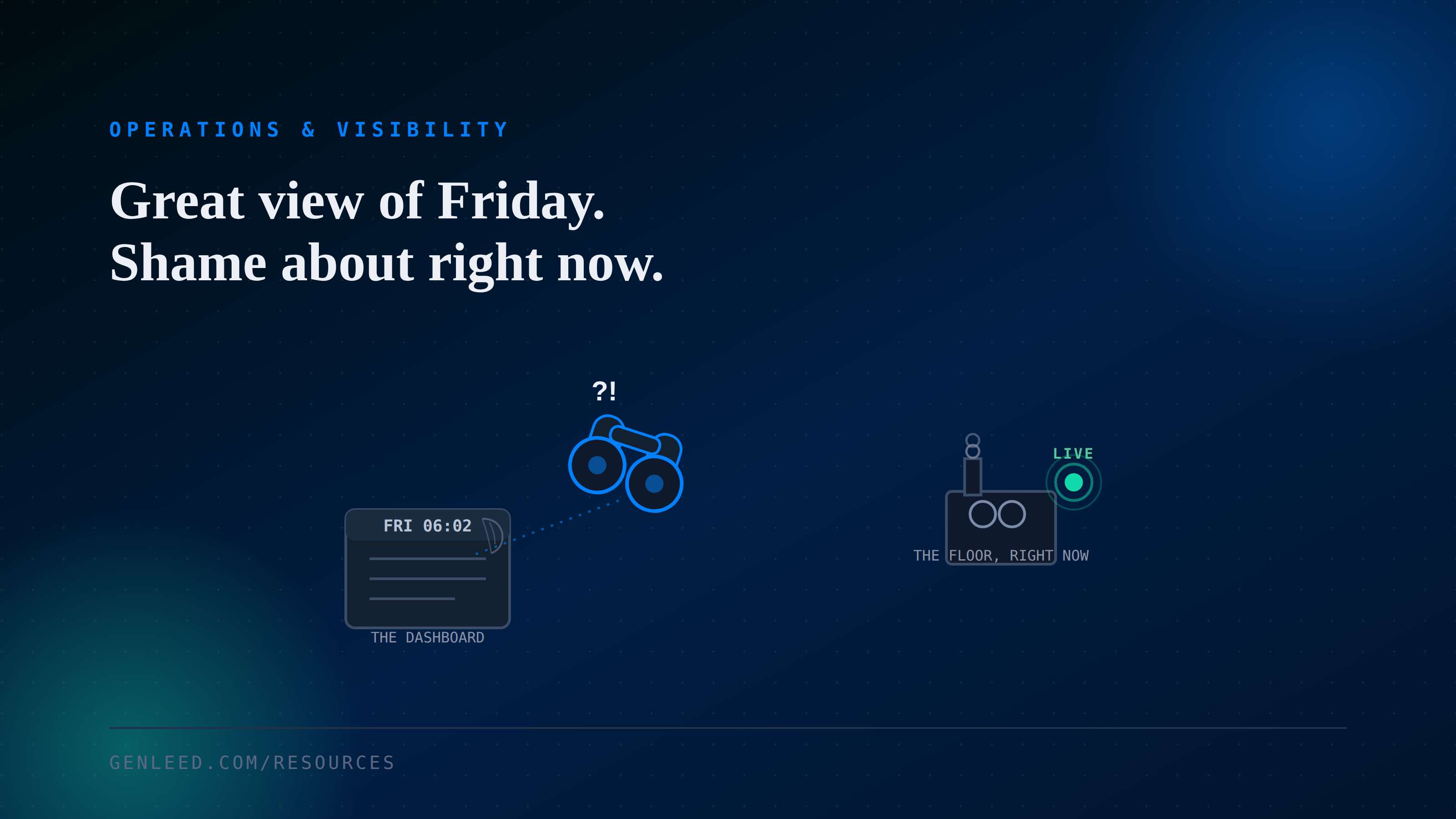
A plant manager pulls up the ERP dashboard before a Monday meeting and the numbers are from Friday's night shift. Meanwhile the floor supervisor already knows what actually happened over the weekend, because he walked it. The ERP was supposed to be the single source of truth. Somehow the truth still travels faster on foot.
What the ERP actually captures
An ERP records a transaction when someone enters it, not the moment something actually happens on the floor. That gap between the event and the entry is usually where visibility quietly breaks down.
- Transactions often get batched and entered at the end of a shift, not in real time, so the system is always a few hours behind reality.
- Operators under time pressure skip steps and backfill data later, which means what's logged is a reconstruction, not an observation.
- Exceptions like scrap, rework, or downtime tend to get logged loosely, if they get logged at all, since nobody's job depends on it.
- Production, quality, and maintenance often live in modules that don't talk to each other, so no single number tells the whole story.
Why this feels like a software problem, and usually isn't
The instinct is to blame the system and go shopping for a dashboard or a new ERP module. Most of the time that just moves the same gap somewhere newer. A dashboard built on data that arrives late or gets reconstructed after the fact will always look a step behind, no matter how good it looks.
Where to look before adding a dashboard
Before buying anything, it's worth tracing one number all the way back to where it starts.
- Pick one number leadership actually uses every week, like open orders or downtime hours, and trace exactly how it travels from the floor into the report.
- Ask how stale that number is allowed to get before someone notices it's wrong, then compare that to how stale it actually is most weeks.
- Find out who enters the data behind it, and whether that's their main job or something squeezed in between everything else.
- Check whether the same fact, say units produced, gets recorded in more than one system, and whether those two numbers ever actually agree.
Where visibility tools help, and where they don't
When it's a data capture problem
If tracing the number shows it's entered late, reconstructed from memory, or duplicated across systems, the fix is changing when and how that data gets captured, closer to the point of work and closer to real time. A better report on top of the same slow process just repeats the delay in a nicer format.
When a visibility layer is worth it
If the underlying data is reasonably accurate but scattered across systems that don't talk to each other, that's a fair case for a visibility layer: something that pulls existing numbers into one view on a schedule people can actually trust, without replacing the systems underneath. This is consolidation, not intelligence, and it's worth being honest about which one you're paying for.
The takeaway
Having an ERP answers whether you have a system of record. It doesn't answer whether that record reflects what's happening right now. Worth checking how the data gets captured before assuming the fix is a better way to look at it.